BTC/USD
64,893.00
Live
BTCSend and receive
$64,893.00BTC / USD reference
2FAGoogle Authenticator
24/7Ticket support
Bitcoin wallet
Hold and move Bitcoin in one account.
Create wallets, send and receive BTC, convert the balance to USD for display, and protect sends with 2FA. EnertexWallet is not an exchange and not a broker.

Receive
Create a BTC address and share it for incoming deposits.

Balance
See your BTC balance as USD at the live reference rate.
Everything in one account
A wallet that does the basics beautifully.
Receive with a QR code
Every wallet gets its own Bitcoin address. Share it as text or a QR code.
2FA on every send
Turn it on once; every send asks for a fresh code.
Charge shown first
Fee and total, before you confirm.
See it in dollars
Your BTC balance, converted at the reference rate.
More than one wallet
Split savings from spending, up to your wallet limit.
Help, in writing
Open a ticket from your account and the whole thread stays in one place.
Market reference
Bitcoin price used for the USD display.
This is a reference rate, not an order book. You do not deposit ETH, SOL, or USDT here.
Bitcoin BTC
Reference
- Used to show your balance in USD
- Not a buy or sell price
- Bitcoin is the only asset you can hold
Built around one coin
Three layers between your BTC and a mistake.
Your BTC sits in a hosted wallet. Before anything leaves it, you see the charge, double-check the address, and confirm with your authenticator.
- 01Charge previewThe send screen shows the fee before you confirm.
- 02Address checkBitcoin sends cannot be reversed. The send screen reminds you to check the recipient.
- 03Authenticator codeTurn on Google Authenticator and every send needs a code.
Wallet
Send and receive without leaving your account.
Create wallets, copy addresses, convert BTC to a USD figure, and protect transfers with 2FA. It all works in your phone’s browser.
- SendFrom wallet, to address. The send screen shows the charge before you confirm.
- SecureTurn on Google Authenticator and every send needs a code.
9:41
Send Bitcoin
From
₿Savings0.42318 BTC
To
bc1qar0s…zwf5mdq
Amount0.01500 BTC≈ $1,012.05
Charge0.00020 BTC
Total0.01520 BTC
Authenticator code
481
Send
9:41
EEnertexWallet
Total balance
$32,404.61
₿0.48028 BTC +1.24%
Send
Receive
Activity
WalletsSee all
₿
Savingsbc1qxy…0wlh
0.42318₿
Dailybc1q9h…f7g9
0.05710Recent
Received BTCSavings
+0.08000Sent BTCDaily
−0.02290
Ready when you are
Create an account and add your first wallet.
Sign up in a minute, turn on Google Authenticator, and create your first BTC receive address.
FAQ
Straight answers about the wallet
EnertexWallet is a hosted Bitcoin wallet. You can create BTC receive addresses, send Bitcoin to an external address, convert the BTC balance to a USD figure for display, and protect sends with Google Authenticator. It is not an exchange and not a broker.
Yes. EnertexWallet is hosted (custodial). Receive addresses are created on the operator wallet. You sign in to send and receive; the product does not export a seed phrase or private keys. If you need self-custody, send BTC to a wallet whose keys you control.
Sign-in uses your account password. Sends can require a Google Authenticator code when 2FA is enabled. Support and history run through your account tickets and transaction records. We do not publish unaudited uptime percentages.
Sign in, open Send, choose the wallet, enter a Bitcoin address you control or trust, review the charge shown on that screen, and complete 2FA if it is enabled. The coins go to that Bitcoin address.
Open Wallets, create or select a wallet, copy the receive address, and have the sender pay that address on the Bitcoin network. Incoming payments appear in receive history after confirmation.
Accounts are built around Bitcoin (BTC). USD amounts in the dashboard are a conversion of your BTC balance using a market rate, not a separate dollar deposit account.
Each send shows the platform charge on the send screen before you confirm. The charge is a fixed amount plus a percent of the send amount (currently 0 BTC plus 0.50%). Bitcoin network conditions can delay confirmation. That figure is a send charge, not a trading fee. EnertexWallet is not an exchange and does not buy or sell other coins.
Use the contact form or open a support ticket from your account. Replies go through the ticket thread.
How To
How To Get Started
Create your account and begin the journey!
Create Your Account
Go To Dashboard
Deposit
News and Tips
Our Latest Blog
Short notes on wallets, addresses, fees, and keeping BTC transfers safe.
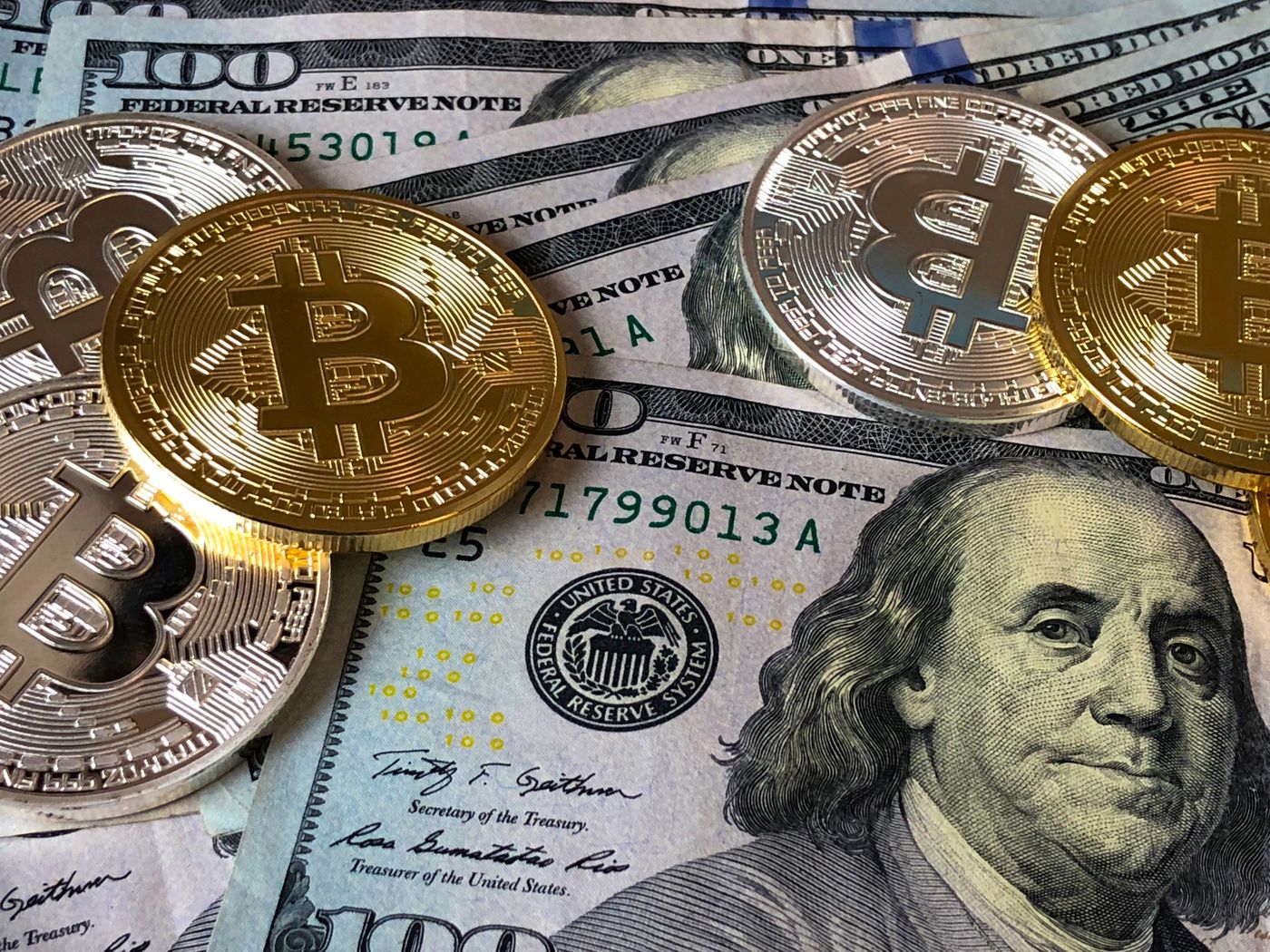
Introduction: Understanding Bitcoin Dust
Bitcoin Dust: Unraveling the Intricacies of Tiny Bitcoin Transactions Bitcoin Dust refers to tiny fractions of Bitcoin that are so small tha...
Read More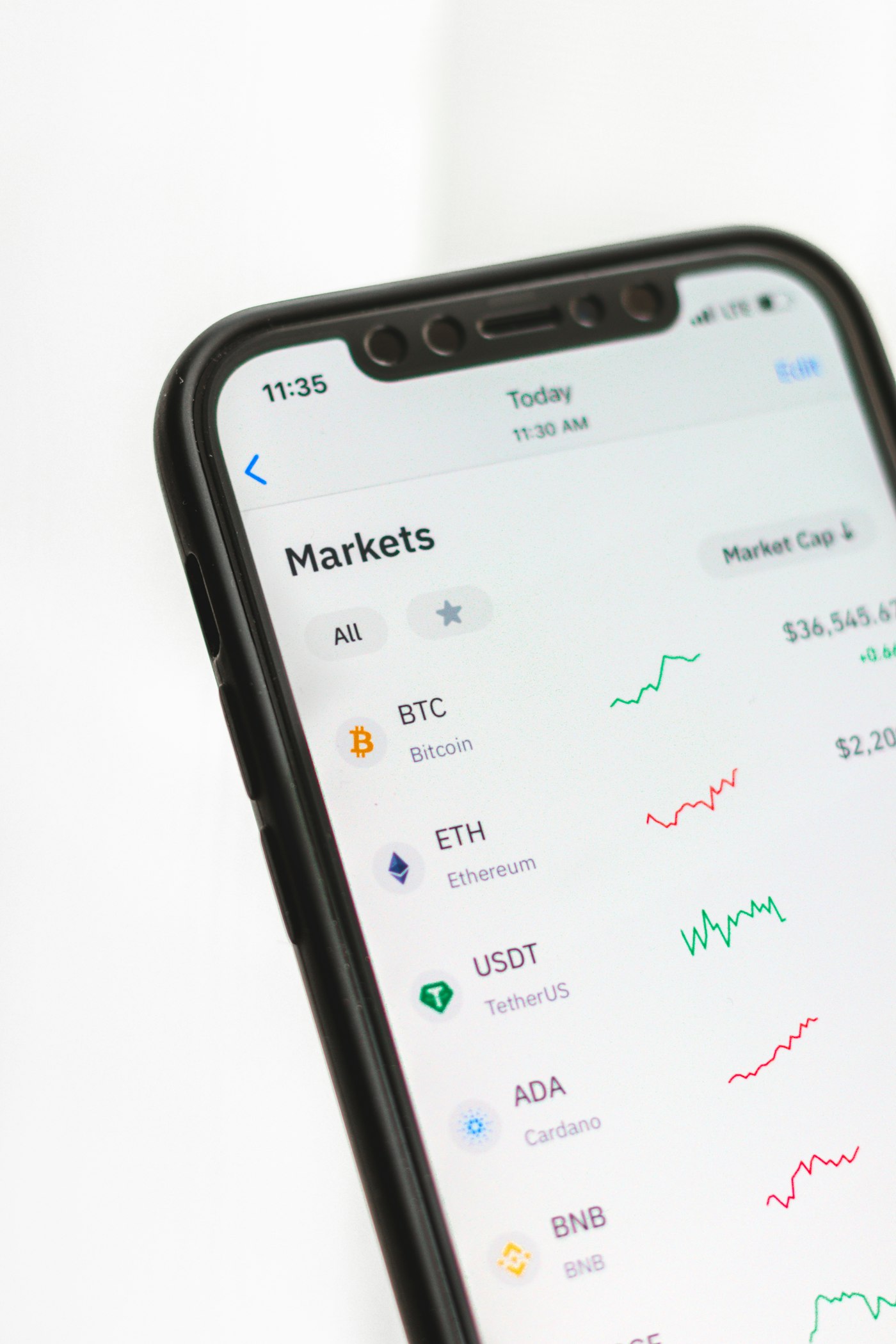
Bitcoin Address Reuse: The Consequences of Using a Bitcoin Address Multiple Times
Bitcoin address reuse carries significant dangers when it comes to the security of one’s digital assets. Reusing a bitcoin address not only...
Read More